SL

Use timetable rules to control gaps, lunch and where subjects fall in the week

Timetable rules in subtimetable are the conditions the generator works to when it places lessons across the week. The Balanced, Teachers first or Students first preset sets a level for every rule at once, and you then change the ones where your school wants something different. A rule at High counts 2 times as much as one at Medium and 10 times as much as one at Low.

Choose Required where the school cannot give way

Every rule has the level Off, Low, Medium or High. Required is also available for 5 rules: “No free periods during lessons”, “Max periods of the same subject per day”, “High-period subjects on different days”, “Lunch break” and “Lesson span”. The generator never breaks a required rule, and when it cannot meet one, it does not build the timetable. Among the other rules, it gives way on a lower-level rule before a higher one.

Rules and priorities in the app, each rule with its chosen level

Periods a teacher cannot teach, and periods they would rather not

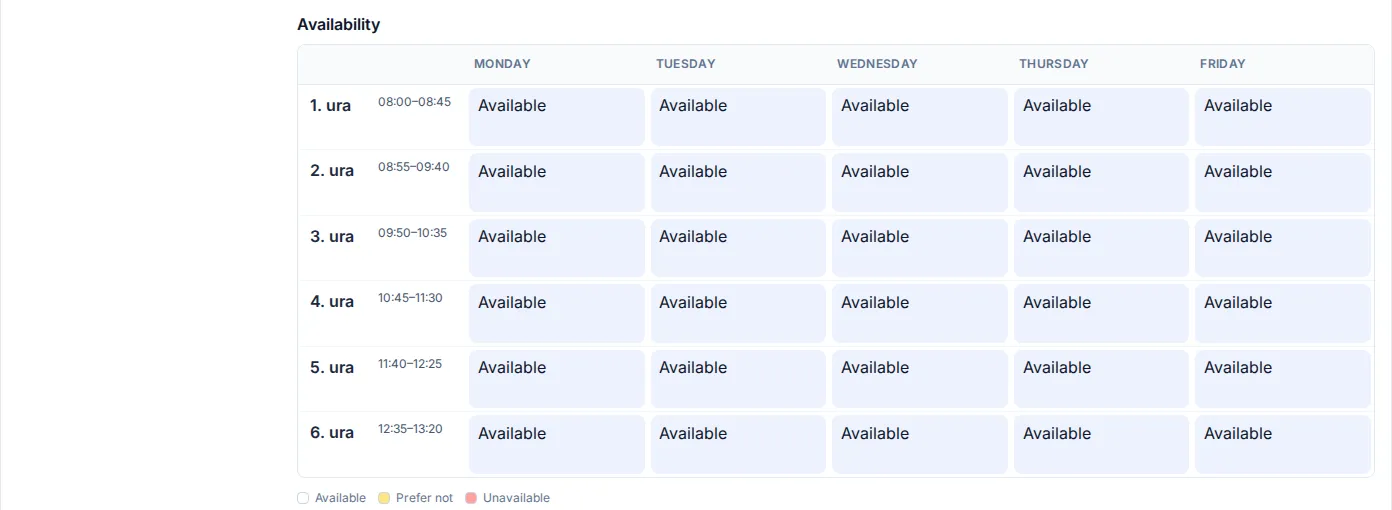
In the period grid for each teacher you mark when they are “Unavailable” and when “Prefer not”. They have no lessons in unavailable periods, and the generator respects Prefer not as far as the other rules allow. You mark the periods when a class or a room is not available in the same way. The generator takes room availability into account when it places lessons, and when you arrange cover the app does not offer a room that is unavailable.

Teacher availability in the app, a period grid with periods marked Unavailable and Prefer not

Which rules apply to teachers, classes and subjects

Teachers have 2 rules, “As few gaps as possible” and “As few working days as possible”. The second packs a teacher’s lessons into as few days of the week as it can. You enter the limit “Max periods per day” in each teacher’s settings.

For classes there are “No free periods during lessons”, “Same number of periods every day”, “Classes start as early as possible”, “Lessons start at the same time every day”, “Short day”, “Lunch break” and “Lesson span”. For lunch you enter between which periods the free lunch period can fall and from how many lessons a day the class gets it. For lesson span you set the earliest and the latest period. For short day you pick the days when an early finish matters most.

Subjects have “Max periods of the same subject per day”, “Subject periods across more days”, “Same-day lessons of a subject together” and “High-period subjects on different days”. For the last one you enter from how many periods a week it applies and the minimum number of days the subject is spread over. “Important subjects in the morning” and “Important subjects on different days” use the importance you choose for a subject in the curriculum. A double lesson is entered in the curriculum with its length in periods, and it always stays whole on one day.

When a class is split into groups, for example for a foreign language, the rule “Student group gaps” counts the free periods of one group while another group has a lesson.

Enter your own school and see the timetable it produces

Soon

info@subtimetable.com